Tech blog
Installing PHP 5.6 (because of reasons...)


Now, if you're in the same boat as me, and have an old website database that's been offline for more than 10 years, you will probably run into all sorts of issues recovering the data and re-establishing your website.
15 years ago I created a website for an online community, with a forum and all the jazz included but the problem is that the website is based on a (you guessed it) CVS. This particular CVS (PHP-Fusion 7) is on its 9th version at this point, and since version 7, it has removed support for PHP 5 and MySQL.
So, what I will be doing is, installing Almalinux on a VM (because Almalinux is one of the few distros that still support this version of PHP, alongside CentOS), establishing a webserver, PHP 5 and an older version of MySQL on this distro, deploy my website, recover my database, convert my database and de-deploy it with the newest version of the CVS.
Easy, right? ...RIGHT? *screaming internally*

Here I will list all the steps for PHP 5.6 installation on Almalinux (I won't bother explaining how to install Almalinux on a VM, here)
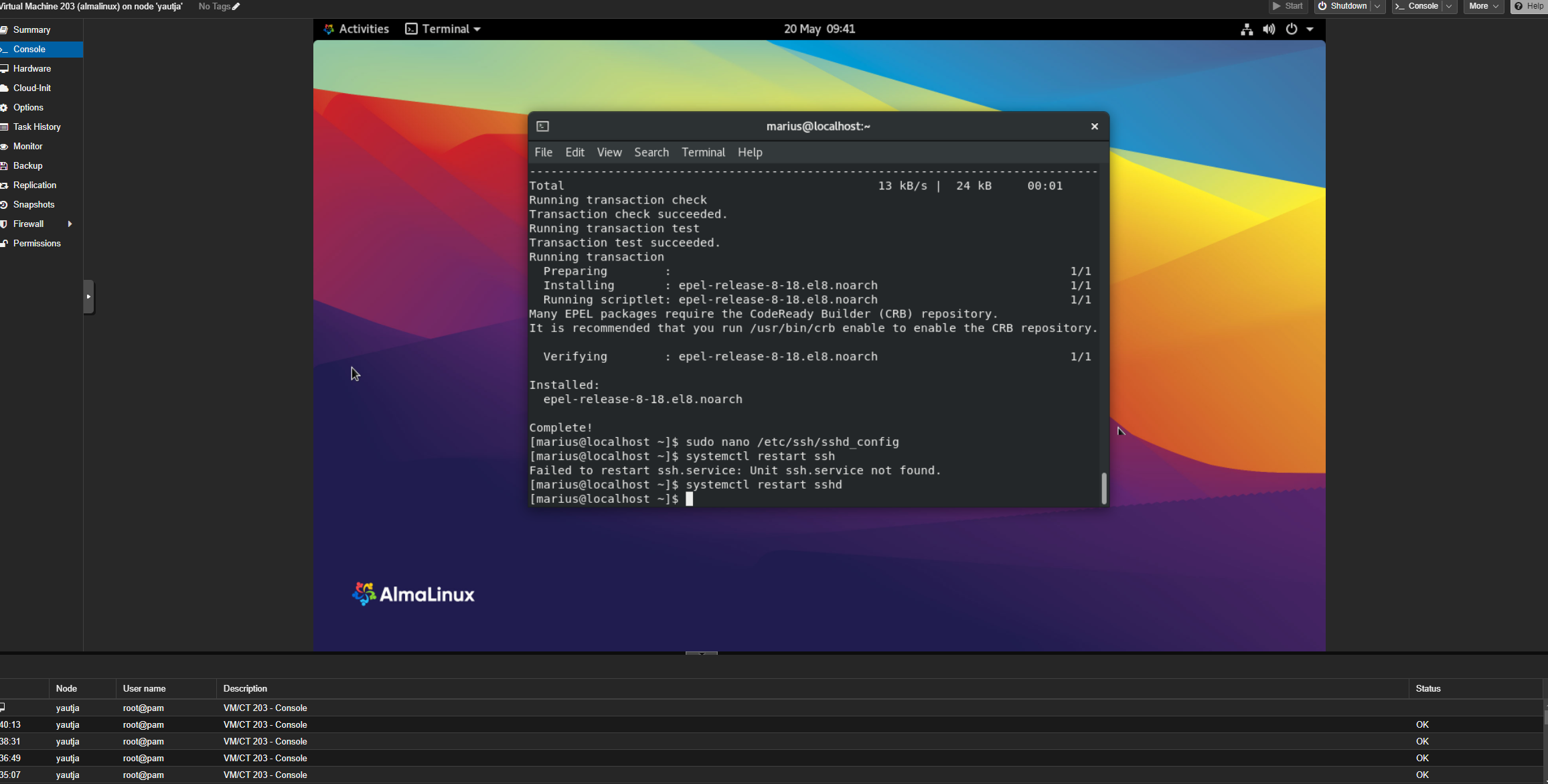
To install PHP 5.6 on AlmaLinux 8, first enable epel repository.
dnf install -y epel-releaseInstall remi repository.
dnf install http://rpms.remirepo.net/enterprise/remi-release-8.rpmNow you can install PHP 5.6...
dnf install php56You can execute PHP with the following command:
php56If you want PHP 5.6 to work with the command "php", then edit:
nano ~/.bashrcAt the end of the bashrc, add:
source /opt/remi/php56/enableLog off and log in to the server.
Or you can create a symlink:
ln -s /opt/remi/php56/root/usr/bin/php /usr/bin/phpTo make PHP work with Apache, run Install Apache with
dnf install httpdInstall php-fpm:
dnf install php56-php-fpmEnable and restart Apache:
systemctl enable php56-php-fpm
systemctl enable httpd
systemctl restart httpd
systemctl restart php56-php-fpm
php-fpm pool config file available at -> /etc/opt/remi/php56/php-fpm.d/www.conf
That is all! I might write a post about installing MySQL 4.1 on Almalinux as well (or might just add it to this post).
Good luck!
Comments
0 total