Installing and Tweaking Zorin OS…
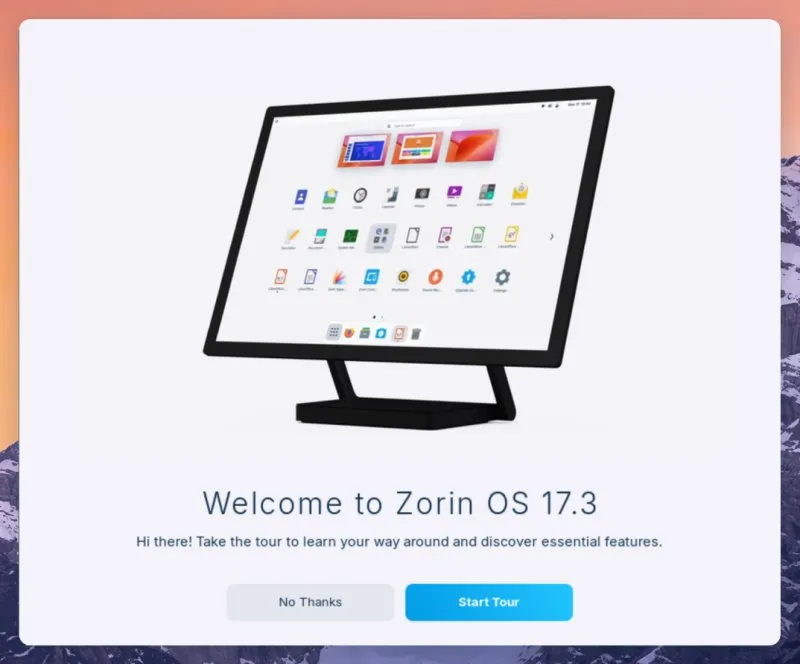
I tend to be fairly picky when it comes to Linux distributions. I’m not interested in something flashy for the sake of it — I want stability, sane defaults, good hardware support, and the ability to tweak things without the OS fighting back. With that in mind, I decided to give Zorin OS a proper test run instead of just booting a live USB and moving on.
Installation and base system
The installer experience was refreshingly straightforward. Zorin uses the Ubuntu base and it shows — disk detection, partitioning, and system setup were all predictable and reliable. I installed it on bare metal rather than a VM to properly test hardware behaviour.
UEFI boot, NVMe storage, network interfaces, and audio were detected correctly on first boot. No missing firmware messages, no post-install surprises. Secure Boot wasn’t an issue either, which is still something that trips up plenty of distros.
Once installed, the system booted cleanly and quickly, with no unnecessary services hammering the CPU at idle.
Desktop environment and defaults
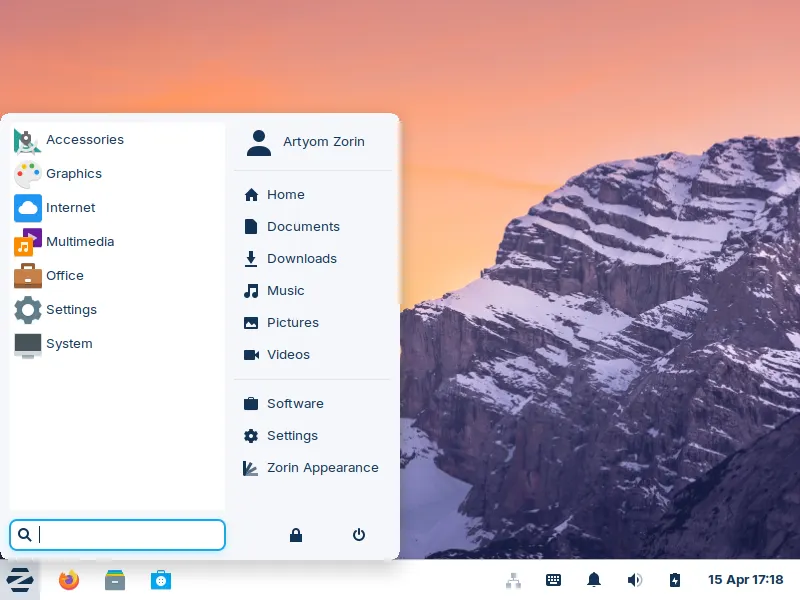
Zorin ships a customized GNOME-based desktop, but unlike stock GNOME, it’s actually usable without extensions piled on top. The layout is sensible, window management behaves predictably, and system settings are exposed properly instead of being hidden behind assumptions.
What I appreciated most is that Zorin doesn’t try to reinvent core Linux behaviour. Under the hood, it’s still Ubuntu LTS — systemd, apt, predictable filesystem layout — which makes troubleshooting and maintenance familiar.
System tweaking and configuration
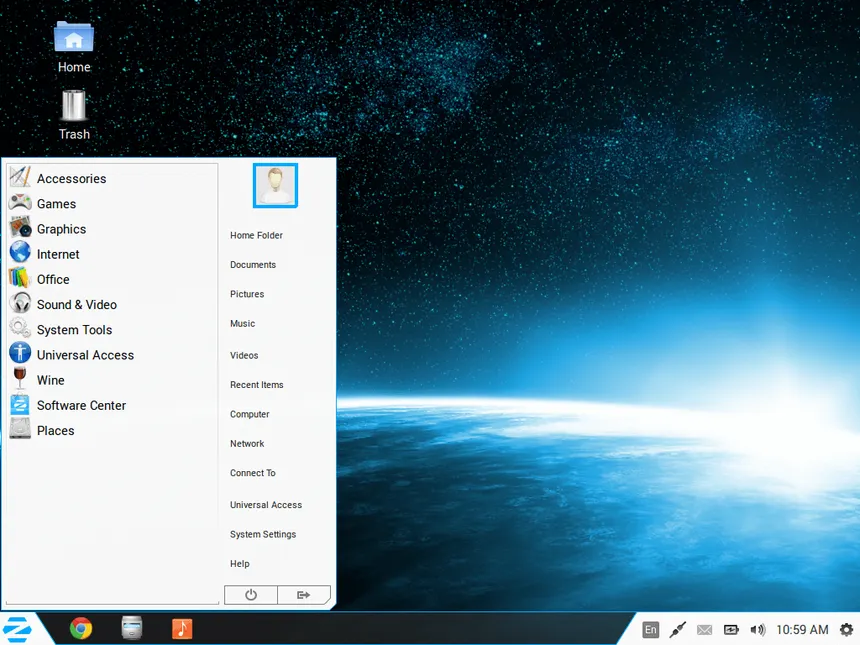
After installation, I went through my usual setup process:
- Adjusted the desktop layout and window behaviour
- Tuned font rendering and scaling
- Disabled unnecessary startup services
- Cleaned up preinstalled software I didn’t need
- Installed my usual toolchain and utilities
Zorin makes most of this easy through proper configuration tools rather than forcing manual overrides. Where manual tweaks were needed, nothing was locked down or obscured.
Package management behaved exactly as expected. apt and the repositories were stable, and third-party repos integrated cleanly without dependency issues.
Drivers, power management, and performance
Driver handling was solid across the board. Graphics drivers installed cleanly, and hardware acceleration worked without additional tweaking. Power management was stable — suspend and resume worked reliably, and there were no GPU-related wake issues.
Idle power usage was reasonable, thermals were under control, and there were no unexplained CPU spikes. This is where a lot of distros quietly fail, and Zorin didn’t.
Updates and stability
Updates have been uneventful — which is exactly how I want them. No broken dependencies, no desktop regressions, and no services failing silently after upgrades.
Because Zorin sticks close to Ubuntu LTS, you get predictable update cycles and long-term stability instead of constant churn. That matters if you actually rely on your system daily.
Gaming and workload testing
Steam and Proton setup was painless. Games ran as expected, performance was consistent, and I didn’t encounter distro-specific issues that required workarounds.
For productivity workloads, the system remained responsive under load. Multitasking, compilation, and long-running processes behaved exactly how they should on a properly configured Linux system.
My two cents?
Zorin OS doesn’t try to be clever — and that’s its biggest strength.
It provides a stable, well-integrated Linux environment with sensible defaults, good hardware support, and enough flexibility to let you configure things properly without fighting the OS. After installing it, tweaking it, and using it as a daily system, it felt reliable and predictable — which is ultimately what I want from an operating system.
It stayed out of my way.
And that’s the highest compliment I can give a distro.